ChatGPT, Gemini, Copilot or Claude: how to choose an AI assistant for your business
The well-known AI assistants are closer to each other than their advertising suggests. Choose by the tools you already use, your data needs and a one-hour test with your own work.
On this page
Business owners often ask which AI assistant is "the best". For the work most small businesses do, such as replies, summaries, posts, quotations and simple analysis, the well-known assistants all do a good job, and each improves every few months. A better question is: which one fits the way my business already works?
This guide does not rank them. Features and prices change too quickly, so check each provider's own website on the day you decide.
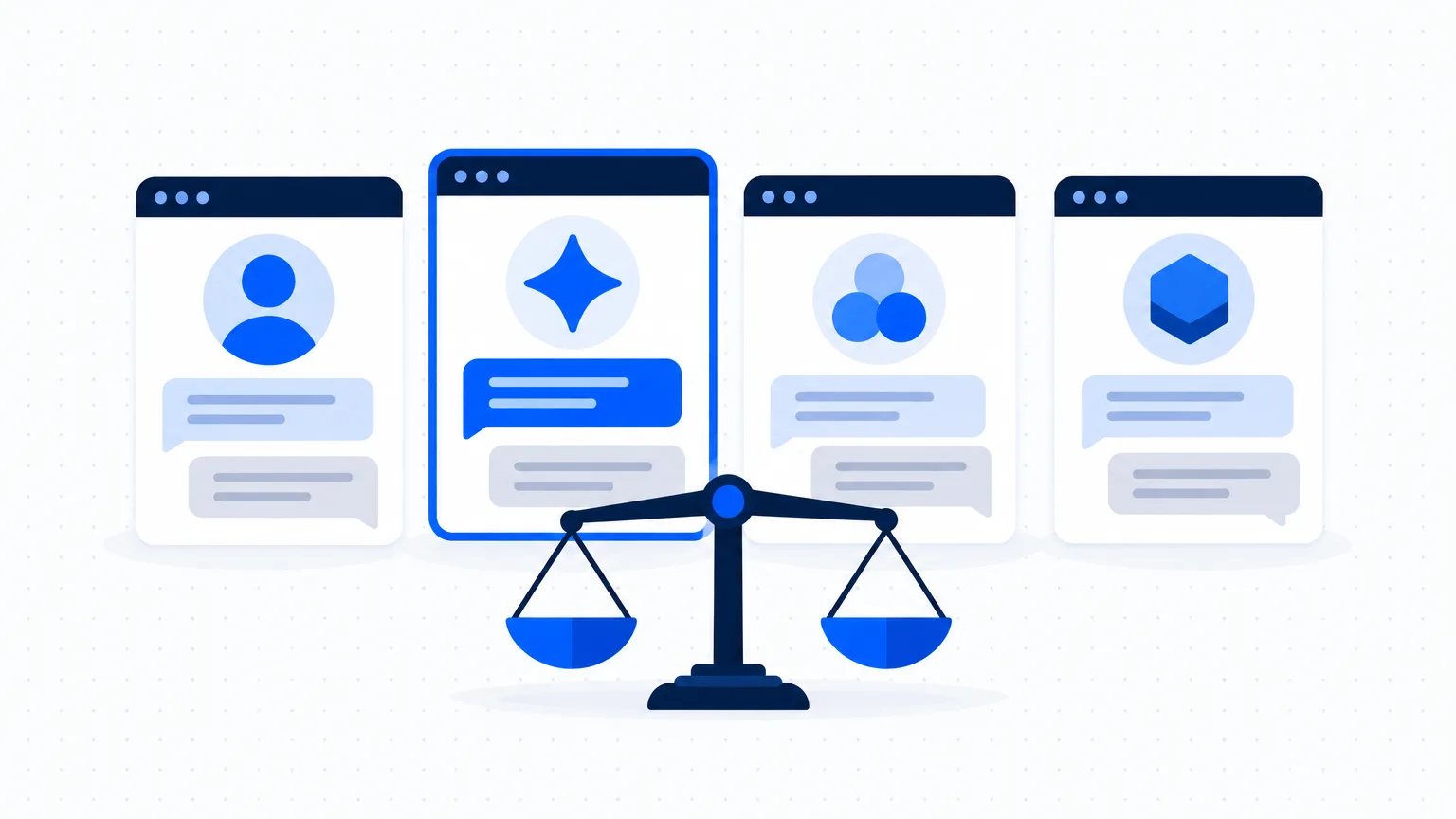
The four names you will hear most
- ChatGPT (from OpenAI): the best-known general assistant.
- Gemini (from Google): built into Google's products, such as Gmail, Docs and Sheets, on some plans.
- Copilot (from Microsoft): built into Microsoft's products, such as Word, Excel and Outlook, on some plans.
- Claude (from Anthropic): a general assistant often chosen for long documents and careful writing.
There are others, including assistants built into tools you may already use for accounting, CRM or design.
Check 1: What do you already use?
If your team lives in Google Workspace, an assistant inside Gmail and Sheets saves copying and pasting. The same is true for Microsoft 365. An assistant that sits inside a tool people open every day gets used. If you use neither, a general assistant in the browser and on the phone is fine.
Check 2: What will you use it for?
Write down your three most common tasks. For example:
- drafting customer replies in English and Hindi
- summarising long documents or call notes
- working with spreadsheets
- creating images for posts
Then test those exact tasks. Do not choose on the basis of a feature you will not use.
Check 3: How does it treat your data?
This matters more than small differences in quality. For each assistant, find out:
- Is what you type used to train the provider's models? Can you switch that off?
- Is there a business or team plan with stronger data terms and central control of accounts?
- Can you delete conversations and files?
Free and personal plans often have weaker data terms than business plans. If your team will type customer information, a business plan is usually the right choice. See Customer data, privacy and AI tools.
Check 4: Indian languages
If you write to customers in Hindi or a regional language, test it. Ask each assistant for the same short message in that language and show the results to someone who speaks it well. Quality differs by language and by assistant. See Customer messages in Hindi and regional languages.
Check 5: Cost for your whole team
Work out the monthly cost for everyone who needs it, in rupees, including tax and card charges for payments in dollars. Check what the free plan allows; for a small team that uses AI a few times a day, a free plan may be enough to begin.
A one-hour test
- Choose three real tasks from last week.
- Give each assistant the same prompt for each task. If you need help with prompts, see How to write a good prompt.
- Score each answer from 1 to 5 on two things: was it correct, and how much editing did it need?
- Ask the person who will use it daily which one they found easiest.
| Task | Assistant A | Assistant B | Assistant C |
|---|---|---|---|
| Reply to a price enquiry | |||
| Summarise a long email | |||
| Message in Hindi |
The winner of your own test is the right choice for you, whatever the reviews say.
Example
A made-up chartered accountant's office with six people, used only to show the reasoning.
The office already pays for Microsoft 365 and works in Excel and Outlook all day. Its three tasks are replying to client emails, summarising long notices and cleaning up spreadsheets. The partner tests the assistant built into the Microsoft tools against one general assistant in the browser. Both write good replies. The built-in one saves copying in Excel, and the business plan lets the partner control the accounts. Because client financial data is involved, the data terms decide it: the office chooses the plan with central control and tells the team not to use personal accounts for client work.
Common mistakes
- Paying for three assistants at once. Pick one for the team. You can change later.
- Letting everyone use personal accounts for customer work, with no shared rules.
- Expecting the tool to fix an unclear process. First decide how the task should be done. Then let AI speed it up.
Next step
Before you pay, run the nine checks in What to check before you pay for any AI tool.