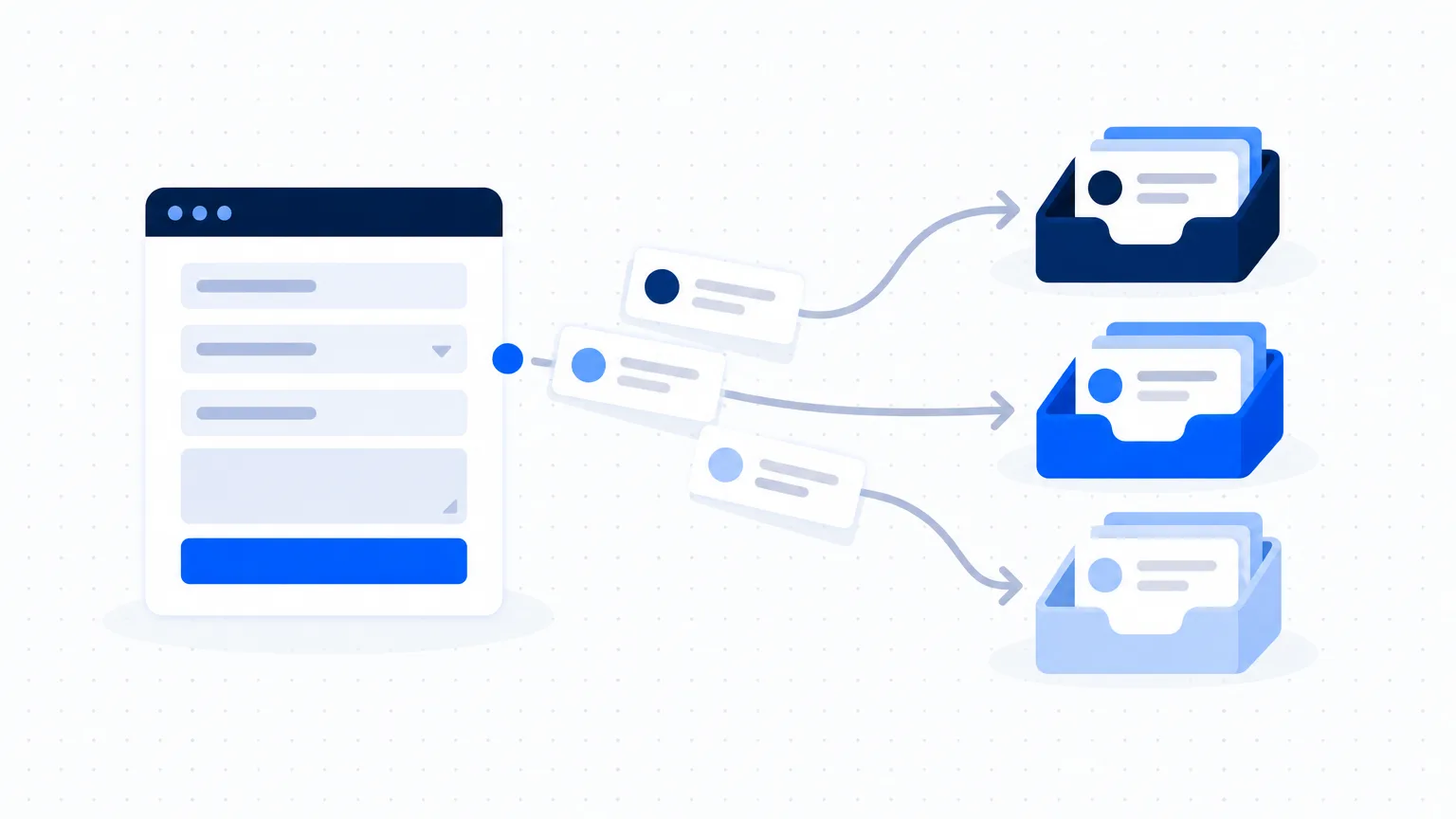
A simple AI-assisted follow-up system for sales leads
Enquiries are lost when follow-up depends on memory. Set up one sheet, three ready messages per enquiry type and fixed follow-up days, in about an hour.

On this page
When follow-up depends on memory, busy days decide which customers hear from you. This system takes about an hour to set up and needs only a spreadsheet, an AI assistant and WhatsApp or email.
What you need
- One shared spreadsheet, or a simple CRM if you already have one
- An AI assistant for drafting messages
- The channel your customers already use, usually WhatsApp or email
Step 1: One sheet for every enquiry
Create a sheet with these columns:
| Column | What goes in it |
|---|---|
| Date | The day the enquiry arrived |
| Name | Customer or company name |
| Contact | Phone or email |
| Asked for | Product or service, in a few words |
| Type | Price request, bulk order, service booking and so on |
| Source | Where they found you: WhatsApp, website, referral, exhibition |
| Status | New, replied, follow-up 1, follow-up 2, won, lost |
| Next follow-up | The date of the next message |
| Notes | Anything useful for the next person |
Agree one rule with your team: every enquiry goes into the sheet on the day it arrives, even if it came by phone.
Step 2: Sort enquiries into three or four types
Most businesses get the same kinds of enquiry again and again, for example a price request, a bulk order, a service booking or a general question. Write down your types. You will prepare messages for each type once, and reuse them.
Step 3: Draft three messages for each type
Ask your AI assistant for three short messages per enquiry type: a first reply, a follow-up for day 3, and a final follow-up for day 7. Give it real details: what you sell, your usual tone, and the one question you want the customer to answer.
A prompt you can adapt:
You help a [type of business] in India reply to customers. Write three short WhatsApp messages for a customer who asked for the price of [product]. Message 1 is the first reply: thank them, ask [the one question you need answered], and offer a quick call. Message 2 is a follow-up three days later that answers a common doubt: [the doubt]. Message 3 is a polite final check seven days later. Each message under 60 words, simple English, no emojis. Leave [name] where the customer's name goes.
Edit each draft until it sounds like you. Save the final versions as quick replies in WhatsApp Business, or as templates in your email.
Example: three messages for a price request
A made-up packaging supplier, used only to show the pattern.
Day 1. "Hello [name], thank you for asking about corrugated boxes. To send you the right price, may I know the size and the quantity you need each month? I can also call you for two minutes if that is easier."
Day 3. "Hello [name], many customers ask whether we can print their logo on the box. Yes, we can, for orders above our minimum quantity. Shall I send you the price with and without printing?"
Day 7. "Hello [name], I am closing this enquiry on my side for now. If you still need boxes, just reply here and I will send the price the same day."
Step 4: Follow up on fixed days
- Day 1: first reply, the same day.
- Day 3: a helpful follow-up, such as an answer to a common doubt.
- Day 7: a final, polite check before you close the enquiry.
Fill the "next follow-up" column every time you send a message. Check the sheet at a fixed time every morning; ten minutes is usually enough.
Step 5: Review once a week
Count how many enquiries came in, how many replied and how many bought. Look at which source brought the buyers. Then improve the one message that gets the fewest replies, and leave the others alone.
Things to watch
- Personalise the first line with the customer's name and what they asked for.
- Do not send more follow-ups than you would want to receive. Three is enough for most businesses.
- Do not paste a customer's phone number or personal details into an AI tool. Draft the template with AI, then add the details yourself.
- If a customer says "not now", write the month they named in the notes and follow up then.
Next step
When the sheet is running, speed up your quotations as well: see How to write quotations and proposals faster with AI.