Google Business Profile and reviews: how AI can help a local business
For a local business, the Google profile is often the first thing a customer sees. Use AI to keep it complete, reply to every review and ask for reviews the right way.
On this page
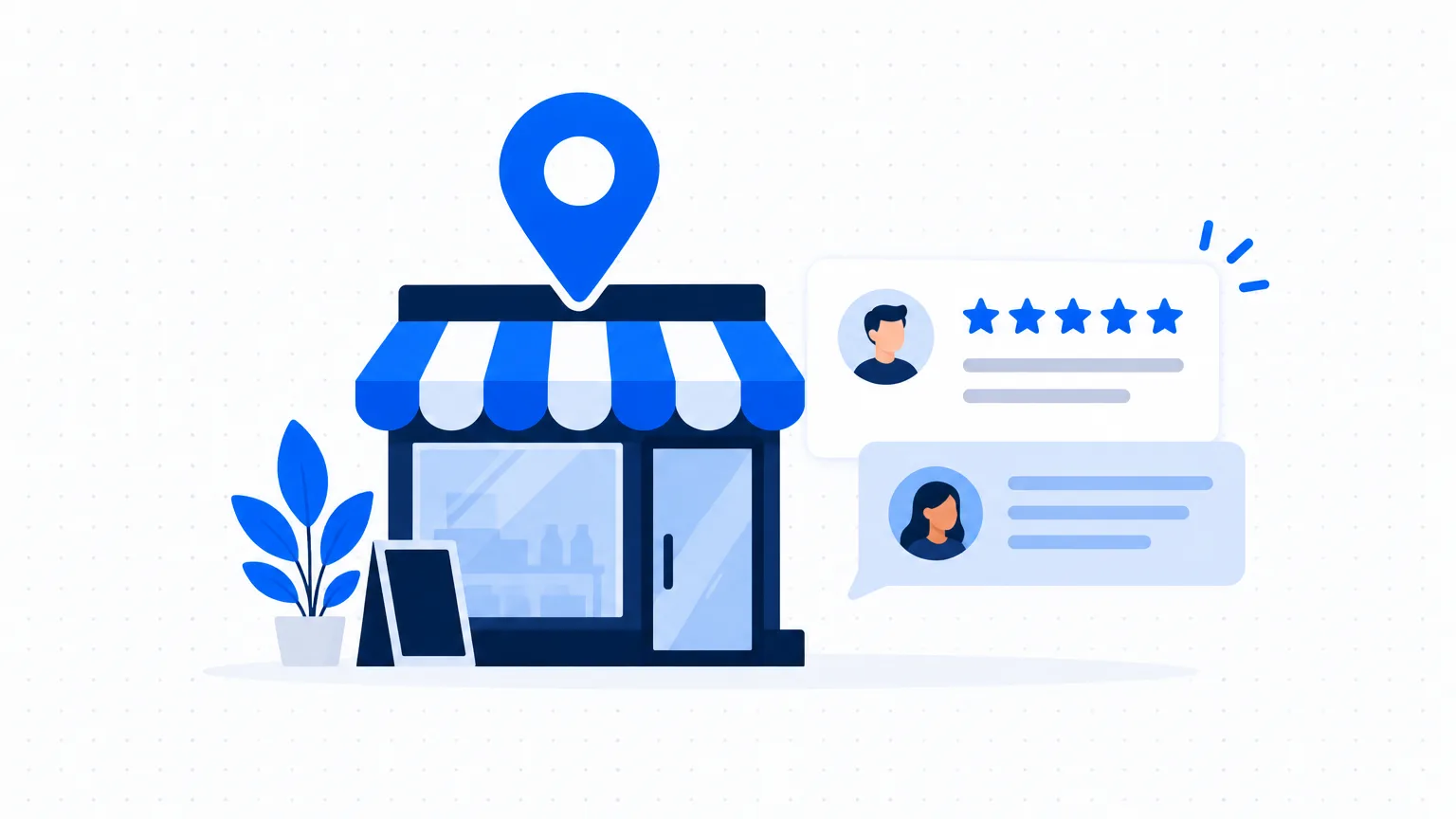
When someone searches for "tailor near me" or the name of your shop, Google shows a panel with your hours, photos, phone number and reviews. That panel comes from your Google Business Profile. It is free, and many small businesses leave it half-filled.
Step 1: Complete the profile
Open your profile and check these, one by one:
- business name exactly as on your signboard
- the right main category, and extra categories if they apply
- address or service area, and a pin in the right place on the map
- opening hours, including holidays and festival days
- phone number and WhatsApp link
- a list of your services or products
- at least ten real photos: the outside, the inside, your work, your team
Step 2: Write the description with AI
You have a limited space to say what you do. Give AI the facts and ask for a clear description.
Write a business description for a Google Business Profile, under 700 characters. Business: [type] in [area, city]. What we do: [services]. Who we serve: [customers]. What customers like about us: [two or three true points]. Simple English. No exaggeration, no "best in the city", no prices. Mention the area name once.
Check that every word is true before you publish it.
Step 3: Reply to every review
Replies show future customers how you treat people. AI makes it quick.
For a positive review:
Write a warm reply, under 50 words, to this customer review for my [type of business]: "[paste review]". Thank them, mention the specific thing they liked, and invite them back. Do not copy their words exactly. No emojis.
For a negative review, slow down. Find out what happened first. Then:
Write a calm, respectful reply, under 80 words, to this review: "[paste review]". Facts I have checked: [what really happened]. Apologise for their experience without arguing, say what we have done or will do, and ask them to contact us on [phone or email] so that we can put it right. Do not blame the customer. Do not offer money or discounts in public.
Read it twice. Then post it under your own name.
Example: replying to a complaint
A made-up restaurant, used only to show the tone.
Review: "Waited 40 minutes for food on Sunday. Staff did not even apologise."
Reply: "Thank you for telling us, and I am sorry for the long wait and for how it was handled. Sunday lunch was busier than we had staffed for, and that is our mistake. We have added a person to the Sunday shift. Please call me on [number] when you next plan to visit. I would like to look after your table myself. - [Owner's name]"
Step 4: Ask for reviews the right way
- Ask at a good moment: just after a job is completed well or a customer says thank you.
- Send your direct review link by WhatsApp, with one short line.
- Ask everyone, not only the customers you think are happy.
A message you can adapt:
"Thank you for choosing us, [name]. If you have a minute, a short Google review would help our small business a lot: [link]"
What you must not do: do not offer a discount or gift for a review, do not write reviews yourself or ask staff and relatives to, and do not ask only for five stars. Google's rules forbid fake and paid reviews, and a fake review can also be treated as an unfair trade practice under Indian consumer law.
Step 5: Post a short update each month
Use your profile's updates for a new product, a festival timing or an offer. Take a topic from your content plan: see A monthly content plan with AI.
A 30-minute monthly routine
- Check hours and phone number (2 minutes).
- Reply to all new reviews (10 minutes).
- Add three new photos (5 minutes).
- Post one update (8 minutes).
- Send the review link to this month's happy customers (5 minutes).
Mistakes to avoid
- The same reply under every review. Customers can see them all in a row.
- Arguing in public. Reply once, calmly, and take it to a phone call.
- Old hours. A customer who finds a closed shop does not come back.