Meeting notes and follow-ups: let AI write the minutes
Meetings fail when nobody writes down who will do what. Record or note the meeting, and let AI produce decisions, action points and a follow-up message in five minutes.
On this page
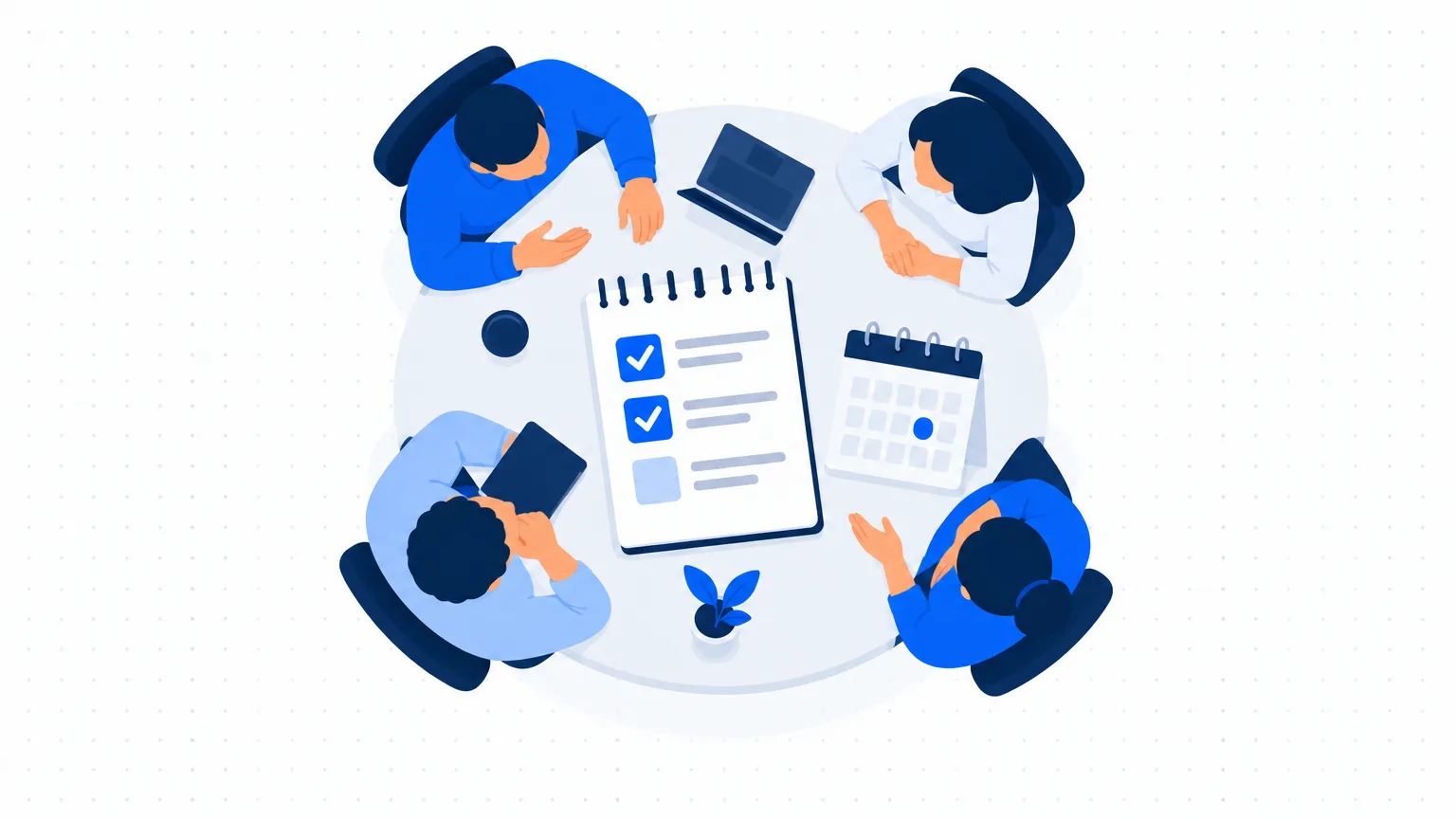
Small businesses hold many short meetings: with the team on Monday morning, with a supplier, with a client. A week later, people remember them differently. A written summary sent the same day fixes that, and AI now makes it a five-minute job.
Two ways to capture a meeting
1. Record and transcribe. Many meeting tools and phones can record a conversation and turn it into text. This is the most complete method. Always tell people that you are recording and why, and get their agreement first.
2. Rough notes. Type or write quick points during the meeting: who said what, what was agreed. Do not worry about spelling or order. AI is good at tidying messy notes.
For a client or supplier meeting, rough notes are often the better choice, because not everyone is comfortable being recorded.
The prompt
Here are the notes (or transcript) of a business meeting. Write a summary with these sections: (1) Purpose of the meeting, one line; (2) Decisions made; (3) Action points as a table with three columns: action, owner, due date; (4) Open questions that were not settled; (5) Date of the next meeting, if mentioned. Use simple English. Use only what is in the notes. If an action has no owner or no date, write "not decided" in that column. Notes: [paste].
The instruction to write "not decided" is the useful part. A meeting often ends with actions that nobody owns, and the summary makes that visible.
Example
A made-up garment exporter's weekly meeting, used only to show the output.
Rough notes: "sample for buyer late, fabric came thursday, Ravi says ready by 18th. Priya to tell buyer. new machine quote - compare two vendors, who? not decided. overtime this week ok'd by owner."
AI summary:
- Decisions: Overtime approved for this week. Buyer sample to be ready by the 18th.
- Actions:
| Action | Owner | Due |
|---|---|---|
| Finish buyer sample | Ravi | 18th |
| Inform the buyer of the new date | Priya | Today |
| Compare quotes from two machine vendors | not decided | not decided |
- Open question: who compares the machine quotes?
The owner sees the gap, assigns the comparison and sends the summary.
Send it within the hour
A summary sent the same day is read. One sent three days later is ignored. Ask AI for a covering message:
Write a short WhatsApp message to the team sharing these action points. Friendly, under 60 words, and ask everyone to reply "OK" to confirm their action.
Start the next meeting from the last summary
Open the previous action table at the start of each meeting and go through it line by line: done, not done, why. This one habit does more for follow-through than any tool.
For client and supplier meetings
After an important outside meeting, send a short "as discussed" email:
Turn these notes into a polite email to the client confirming what we agreed, what we will do, what we need from them and the dates. Under 150 words. Do not add anything that was not agreed.
It prevents misunderstandings and gives you a written record if there is a dispute later.
Privacy and common sense
- Ask before recording. Recording someone without telling them damages trust and may cause legal trouble.
- Do not put meetings about salaries, disciplinary matters, legal disputes or confidential prices into an AI tool whose data settings you have not checked.
- Remove customer names and phone numbers from notes if they are not needed for the summary.
- Read the summary before you send it. AI sometimes assigns an action to the wrong person.
Mistakes to avoid
- Long summaries. Decisions and actions fit on half a page.
- Actions without a name and a date. They do not get done.
- Trusting the transcript blindly. Names, numbers and product codes are often transcribed wrongly.
Next step
Turn the tasks that come up in every meeting into written procedures: Turn what your team knows into SOPs with AI.