Appointment reminder message aur booking, bina code ke: form, sheet aur WhatsApp
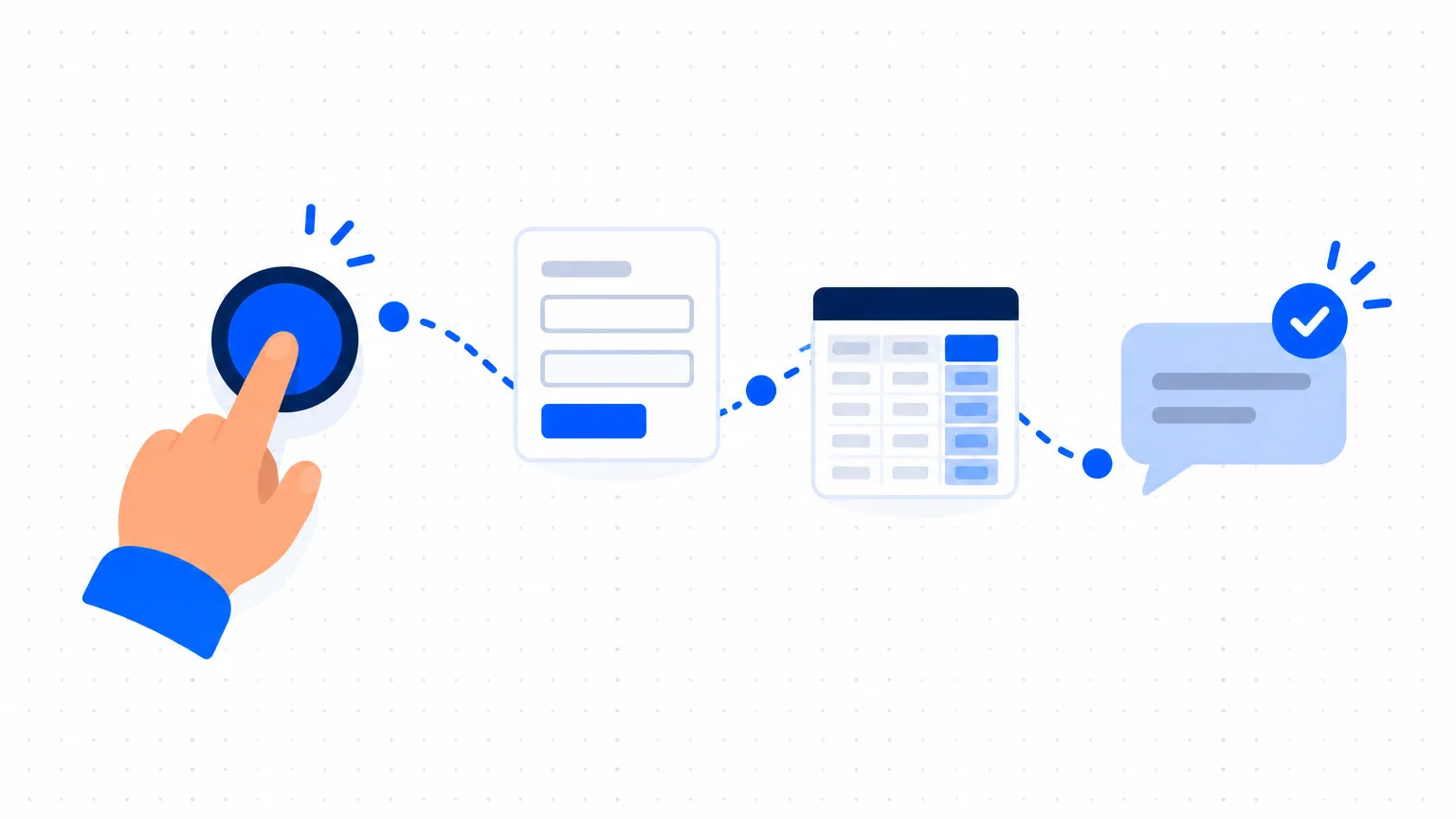
WhatsApp par bookings, ek diary aur confirmation calls mein nikli subah. Ek form, ek sheet aur AI ke chaar messages se har customer ko confirmation aur reminder milta hai.
On this page
- What you need
- Step 1: Tay kijiye ki ek booking ko kya chahiye
- Step 2: Booking form banaiye
- Step 3: Form ko ek sheet se jodiye
- Step 4: Slot confirm kijiye aur calendar mein block kijiye
- Step 5: AI se chaar messages likhwaiye
- Step 6: Reminder ko ek tap mein badaliye
- Example: Pune ka ek made-up salon
- Step 7: Apne number se test kijiye, phir kisi person se check karwaiye
- Step 8: Das minute ka routine chalaiye
- Mistakes to avoid
- Common questions
- Next step
Customers WhatsApp par booking karte hain, aap slot diary mein likhte hain, aur phir aadhi subah ye check karne ke calls mein nikal jaati hai ki log aa rahe hain ya nahi. Ye guide dikhata hai ki bina kisi code ke appointment reminder message ka routine kaise banayein: ek booking form, ek sheet, aapka calendar aur AI se likhe chaar chhote messages. End mein har booking ek hi jagah milti hai, aur har customer ko visit se pehle confirmation aur reminder jaata hai.
What you need
- Ek Google account, Google Forms, Google Sheets aur Google Calendar ke liye, aur koi bhi AI assistant jo aap pehle se use karte hain, sirf wording likhne ke liye.
- Business phone par WhatsApp, aur ek baar ke setup ke liye laptop.
- Ek person jiske paas routine ki zimmedari ho: setup ke liye ek dopahar, phir roz fixed time par das minute.
- Ek data rule: AI sirf wording likhta hai, aur asli naam aur phone numbers aapki sheet mein hi rehte hain. Agar pata nahi ki kya paste karna safe hai, to customer data aur AI tools padhiye.
Step 1: Tay kijiye ki ek booking ko kya chahiye
Wo facts likhiye jo ek slot rokne ke liye chahiye: naam, mobile number, service, preferred date, preferred time aur ek optional note. Chhe questions kaafi hain; har extra question se kuch customers chhoot jaate hain. Apne working days aur har service kitna time leti hai, ye bhi tay kar lijiye.
Step 2: Booking form banaiye
Google Forms mein har fact ke liye ek question jodiye, aur slot ke liye Date aur Time question types use kijiye. Mobile number ke liye short answer question lijiye aur usme ek rule lagaiye: Regular expression chuniye, phir Matches, aur pattern [0-9]{10} likhiye. Google ka apna help page 10-digit phone number ke liye yehi rule deta hai. Ek error text bhi jodiye, jaise "Please apna 10-digit mobile number +91 ya space ke bina likhiye."
Form ke description mein ek line likhiye: "Hum aapka slot WhatsApp par confirm karenge aur ek din pehle reminder bhejenge." Phir form ka link wahan share kijiye jahan customers aapko pehle se dhoondhte hain: aapka WhatsApp Business profile, Google Business Profile, Instagram bio, ya counter par ek QR code.
Step 3: Form ko ek sheet se jodiye
Form ke Responses tab mein More menu kholiye, Select destination for responses chuniye aur ek new spreadsheet banaiye. Har booking ek nayi row ban jaati hai. Apne columns daayein taraf jodiye:
| Column | Isme kya hota hai | Kaun bharta hai |
|---|---|---|
| A to G | Booking time, naam, mobile, service, date, time, note | Form |
| H Status | Pending, Confirmed, Changed, Cancelled, Done | Aap |
| I Message | Row se bana reminder text | Formula (Step 6) |
| J Send | Ek link jo WhatsApp ko message ready ke saath kholta hai | Formula (Step 6) |
| K Sent | Yes, reminder jaane ke baad | Aap |
Column H ko dropdown list bana dijiye, taaki koi ek row mein "ok" aur doosri mein "confirmed" na likhe. Team ke liye rule: form ki entry ek request hai, booking nahi, jab tak Status mein Confirmed na likha ho.
Step 4: Slot confirm kijiye aur calendar mein block kijiye
Roz nayi Pending rows kholiye aur date aur time apne calendar mein check kijiye. Agar slot khaali hai, to ek event jodiye jaise "Neha, haircut", phone number notes mein, aur Status ko Confirmed kar dijiye. Agar slot bhara hai, to customer ko do aur slots bhejiye aur row ko Pending rehne dijiye. Double booking calendar mein hi pakdi jaati hai, isliye ise kabhi skip mat kijiye. Google Calendar ka apna booking page feature bhi hai, jise appointment schedules kehte hain; form ya us feature mein se chunne se pehle Google ka page padhiye ki aapke account mein kya shamil hai.
Step 5: AI se chaar messages likhwaiye
Aapko chaar chahiye: slot confirm karte hi ek confirmation, ek din pehle shaam ko reminder, jab koi slot badalna chahe tab ka reply, aur missed visit ke baad ek polite message. Ek prompt jise aap badal sakte hain:
I run [type of business] in [city]. Write four short WhatsApp messages for customers who have booked an appointment, in [English or Hinglish]. Under 40 words each, polite, no emojis.
- Confirmation with the date, time and our address.
- Reminder for the evening before, asking them to reply YES.
- Reply when they ask to change the time.
- Message after a missed appointment that does not blame them.
Write the words NAME, SERVICE, DATE and TIME in capitals where each customer's details will go. Our address: [address]. Our change rule: [for example, please tell us by 6 pm the day before].
Do not add any offer, price, discount or promise that is not in my text. Keep every detail exactly as I wrote it.
Step 6: Reminder ko ek tap mein badaliye
Ab sheet se har row ka message khud banwaiye. WhatsApp ka click to chat feature ek link se chat kholta hai: https://wa.me/ phir poora number international format mein, phir ?text= aur message. Google Sheets mein ENCODEURL naam ka function hai jo message text ko aise link ke liye taiyaar karta hai. Formulas aapko khud likhne ki zaroorat nahi. Apne AI assistant se kahiye:
My Google Sheet has these columns: A booking time, B name, C mobile number (10 digits), D service, E date, F time, G note, H status.
Write a formula for column I that builds this message from the same row, with the name, service, date and time in the right places: [paste your approved reminder].
Write a second formula for column J that makes a WhatsApp click to chat link for the number in column C, with country code 91, and the text from column I as the ready message.
Explain each formula in one line.
Ye ek baar laptop par kijiye. WhatsApp ke mutabik click to chat phone aur WhatsApp Web, dono par chalta hai, isliye roz ka tap kahin se bhi ho sakta hai.
Example: Pune ka ek made-up salon
Studio Nine Pune ka ek made-up salon hai, jisme teen chairs aur ek receptionist hain. Neha form se 27 October ko 11:30 AM par haircut book karti hai. Receptionist calendar check karke Status ko Confirmed kar deti hai. Row 2 mein do formulas hain, usi shape ke jo ek AI assistant deta hai:
="Hello "&B2&", a reminder of your "&D2&" appointment at Studio Nine on "&TEXT(E2,"d MMM")&" at "&TEXT(F2,"h:mm AM/PM")&". Please reply YES to confirm, or tell us if you need to change the time."
=HYPERLINK("https://wa.me/91"&C2&"?text="&ENCODEURL(I2),"Send")
26 October ki shaam receptionist Send par tap karti hai. WhatsApp Neha ki chat khol deta hai, ye message ready ke saath (formula ka English text apni language mein badal sakte hain; yahan Hinglish dikhaya hai):
"Namaste Neha, Studio Nine mein 27 Oct ko 11:30 AM par aapke haircut appointment ka reminder. Confirm karne ke liye please YES reply kijiye, ya time badalna ho to hamein bata dijiye."
Wo send dabati hai aur column K mein Yes likh deti hai. Form sirf 10 digits leta hai, isliye spaces ya +91 ke saath likhe number par link kabhi nahi tootta.
Step 7: Apne number se test kijiye, phir kisi person se check karwaiye
Apne naam aur number ke saath ek test row jodiye, Status ko Confirmed kijiye aur Send par tap kijiye. Dekhiye ki din aur month ulte na hon, time sahi ho, aur WhatsApp message ready ke saath khule. Phir kisi doosre person se chaaron messages ek customer ki tarah padhwaiye. Galat business name, aisa rule jo aap follow nahi karte, aur wo kuch bhi jo promise jaisa lage, jaise free slot ya refund, dhoondhiye. Test row delete kar dijiye.
Step 8: Das minute ka routine chalaiye
Roz ek time chuniye, jaise shaam 5 baje. Pehle, nayi Pending rows dekhiye (Step 4) aur har confirmation bhejiye. Doosre, tomorrow ki date wali har Confirmed row ke liye Send par tap kijiye, WhatsApp mein send dabaiye aur column K mein Yes likhiye. Teesre, agli subah un logon ko call kijiye jinhone YES reply nahi kiya. Agar koi cancel kare, to Cancelled kar dijiye taaki slot agle customer ko de sakein.
Mistakes to avoid
- Har form entry ko booking maan lena. Do customers ek hi slot maang sakte hain. Confirm karne se pehle calendar dekhiye.
- Message mein private details daalna. Reminder ko naam, seedha service ka naam, date, time aur address chahiye. Clinic ya counselling room ko visit ki wajah form ya message mein nahi likhni chahiye; "appointment" likhiye.
- Kisi bhi random time par remind karna. Visit wali subah ka reminder din badalne ke liye der se hota hai. Ek time aur ek person tay kijiye.
- Test skip kar dena. Ulte din aur month, ya phone number mein ek space, asli customer ko galat message bhej deta hai.
Common questions
Appointment reminder message mein kya likhna chahiye?
Customer ka naam, service, date, time, aapka address, aur confirm ya badalne ka aasaan tareeka, jaise "reply YES". Chhota rakhiye aur offers mat daaliye.
Kya WhatsApp reminders poori tarah automatic bheje ja sakte hain?
Is setup mein nahi: sheet har message taiyaar karti hai aur ek person send dabata hai. Software se poori tarah automatic sending ek alag setup hai, jiske apne rules WhatsApp aur tool ke provider se aate hain, aur uska kharcha badalta rehta hai. Pehle ye routine kuch weeks chalaiye, phir agar volume maange to tools compare kijiye.
Kya mujhe website ya paid booking software chahiye?
Nahi. Form ka link WhatsApp, Instagram, aapke Google Business Profile ya printed QR code se chal jaata hai. Booking software tab samajh mein aata hai jab bahut staff aur services ko alag calendars chahiye.
Kya customers ko reminder bura lagega?
Slot unhone khud book kiya, isliye ek chhota, polite reminder aapki service ka part lagta hai. Wo tab bura lagta hai jab usme offers hon, raat ko aaye, ya aise number se aaye jo wo nahi jaante. Jo kehe ki message mat bhejiye, use message bhejna band kar dijiye.
Jo customers aate nahi unhe kaise kam karein?
Ek din pehle shaam ko reminder, slot badalne ka aasaan tareeka, aur un logon ko call jinhone YES reply nahi kiya, ye sab madad karte hain. Koi routine missed visits ko zero nahi karta, aur advance payment maangna hai ya nahi, ye aapka faisla hai.
Next step
Is week form banaiye (Steps 1 aur 2) aur apne chaar messages likhwaiye (Step 5), phir kisi customer ko link dikhane se pehle apne number se test kijiye. Customers jo replies bhejte hain unke liye WhatsApp reply library dekhiye. Ye jaanne ke liye ki aapke business mein agla kaunsa kaam sudharna hai, AI Business Checkup lijiye.